Applications
What is an application?
Applications are the entry point to your Project Overview . Users either login into one of your applications (Frontend) and interact with them directly, or use one of your APIs (Backend).
All applications within a project share the same Roles and Role Assignments. This means you define a role once (e.g., admin) on the Project level, and it applies across all your web, mobile, and API applications.
To access your applications, navigate to your Project in the Management Console and select your application.
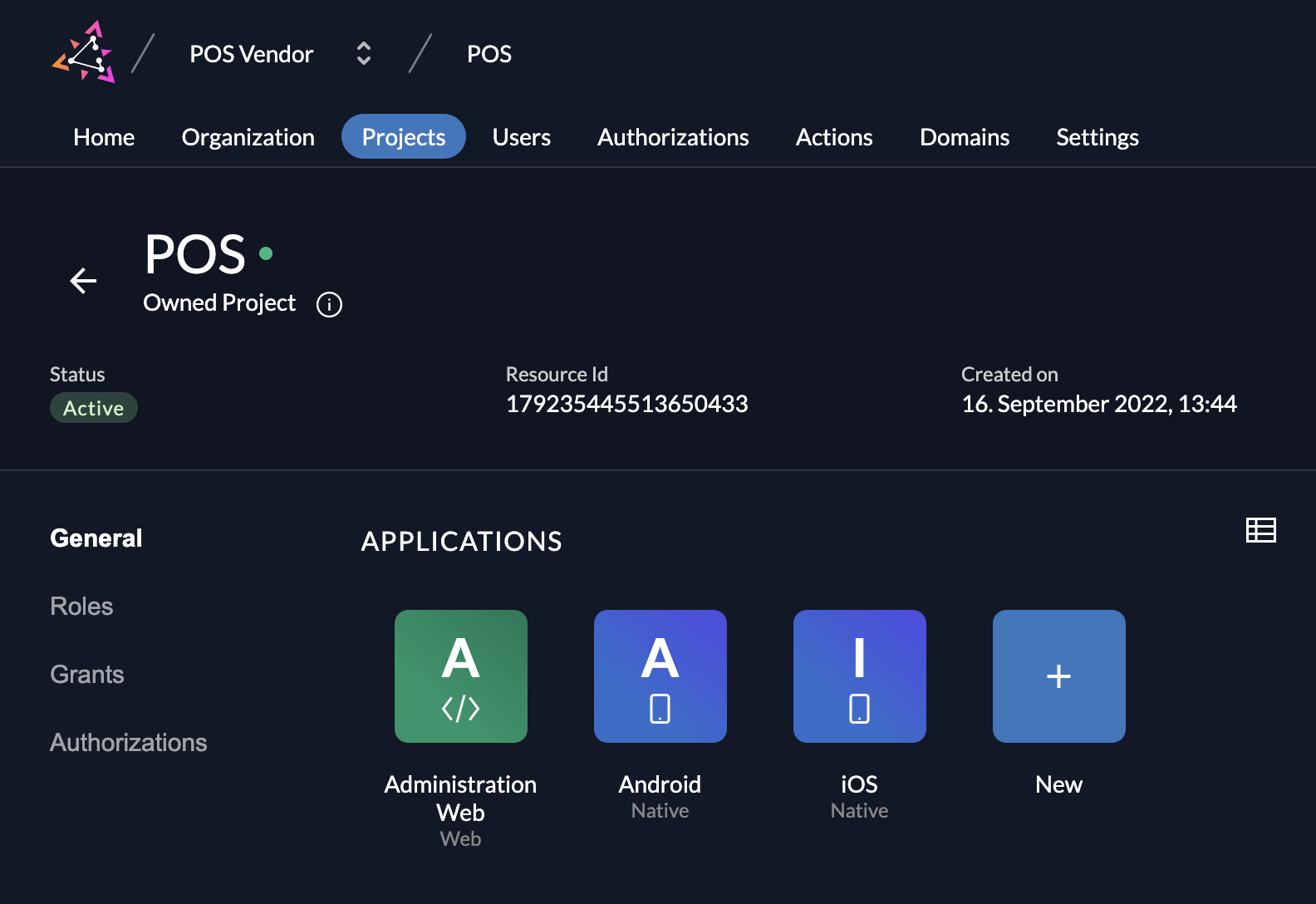
Create an Application
To add an application to your project, click on the New button and select your application type.

Application Types
ZITADEL offers five application types to cover different architectural patterns:
- Web (Server-side web applications such as java, .net, ...)
- Native (native, mobile or desktop applications)
- User Agent (single page applications / SPA, generally JavaScript executed in the browser)
- API (OAuth Resource Server)
- SAML
The first three options (Web, Native, and User Agent) require user interaction. The fourth option (API) is for machine-to-machine communication without direct user interaction.
Depending on the app type, there are small differences in the possible settings. To get a good understanding about user profiles and recommended flows, read the Recommended Flows Guide.
Web
Web applications are server-side rendered applications that users interact with.
- Examples: Applications using Java (Spring/Thymeleaf), .NET (Razor), PHP, Python (Django/Flask), or enabling SSO in tools like GitLab.
- NextJS: A NextJS app is typically a Web Application because it can execute server-side code (SSR/API routes) to keep secrets safe.
- Authentication: Uses Authorization Code Flow (PKCE recommended) with a Client Secret.
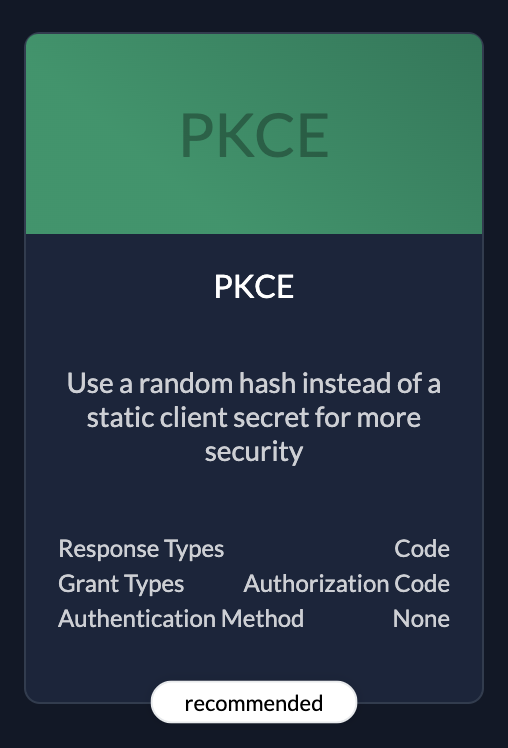 | PKCERecommended because it's the most secure. |
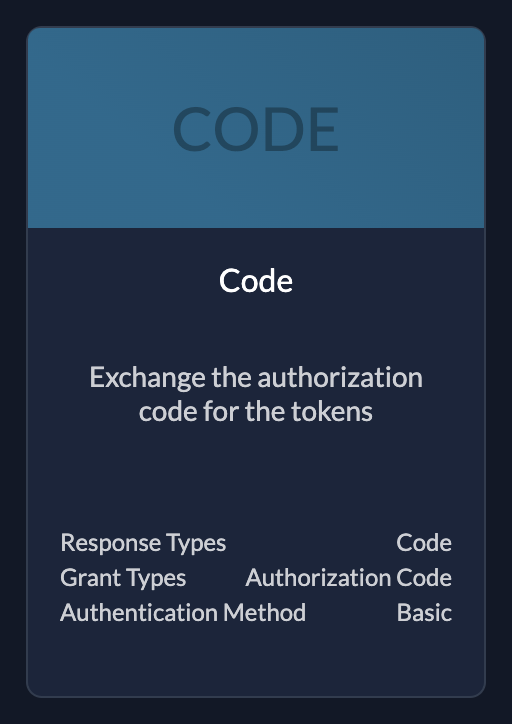 | CodeUse if your application needs client id and client secret |
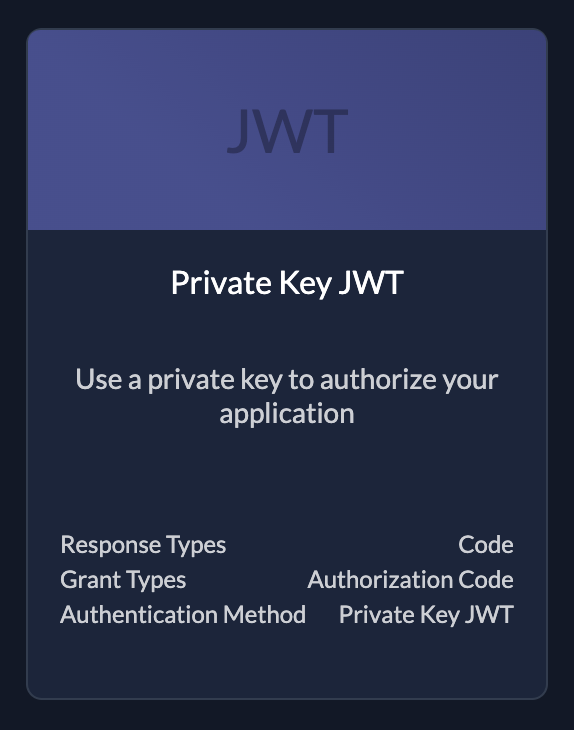 | (Private Key) JWTKey file to authorize your application. You can create keys after created the application see below |
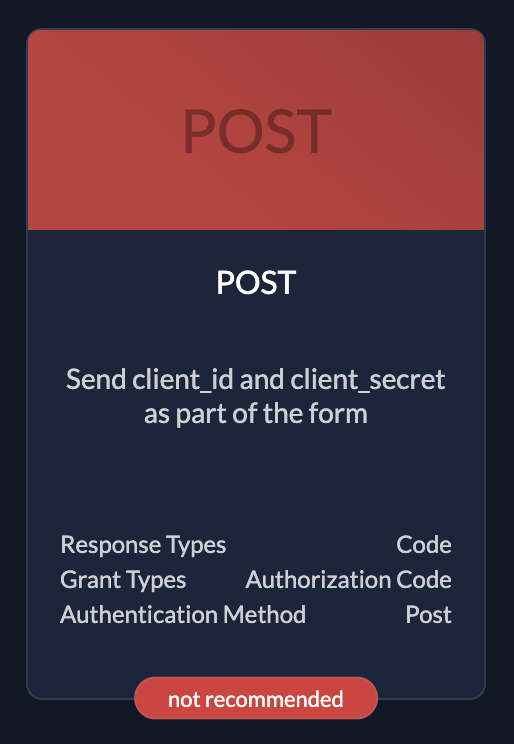 | PostOnly use if you have no other possibilities. Client id and client secret in request body |
Native
Native Applications are installed on a thin client, such as a smartphone or desktop computer.
- Examples: Android Apps, iOS Apps, Desktop Apps (Electron, Tauri).
- Authentication: Uses the Key file generated by ZITADEL to authenticate or Authorization Code Flow with PKCE (for user login).
| Native only supports code authentication type, that's why you don't have to select any |
Native app links
For native passkeys, configure OS association on the OIDC app under Native App Links:
- iOS: Team ID and Bundle ID (published in
/.well-known/apple-app-site-association) - Android: Package name and SHA-256 certificate fingerprints (published in
/.well-known/assetlinks.json)
See Native app links for passkeys for endpoint details, caching, and verification.
User Agent
User Agent Applications are executed entirely in the web browser (Client-Side).
- Examples: Single Page Applications (SPA) built with React, Angular, Vue, or Svelte that do not have a backend server.
- Authentication: Uses Authorization Code Flow with PKCE (implicit flow is supported but not recommended).
| PKCERecommended because it's the most secure. |
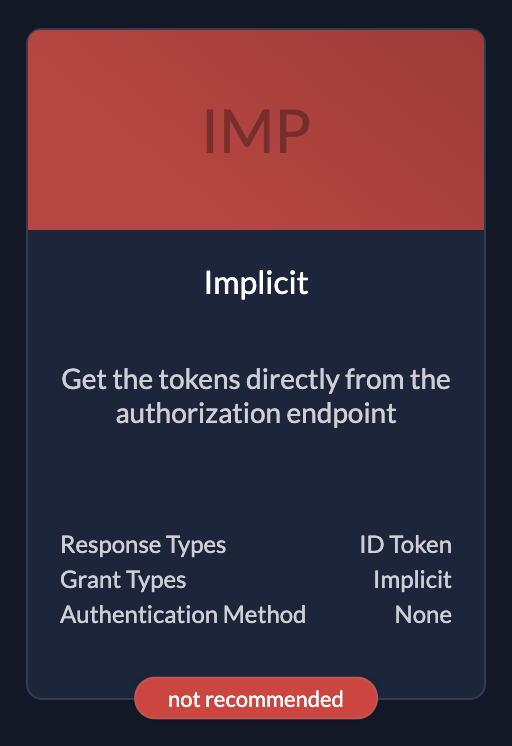 | ImplicitOnly use if you have no other possibilities. The flow is objective to be removed. |
API
These are applications without human interaction, accessed by other applications or services (Machine-to-Machine).
- Examples: Background workers, CLIs, Daemons, Microservices.
- Authentication: Uses Client Credentials (JWT Profile or Basic Auth) or Private Key JWT.
| (Private Key) JWTKey file to authorize your application. You can create keys after created the application see below |
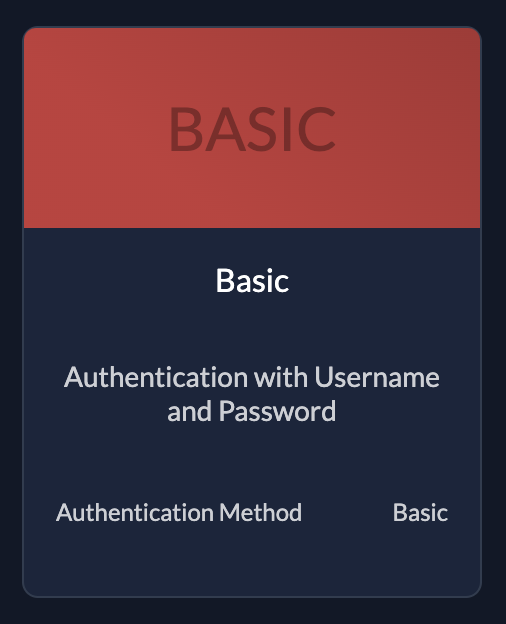 | BasicThe application sends username and password |
SAML
If your application doesn't support the OIDC standard but supports SAML 2.0, choose this type. SAML is an XML-based open standard for exchanging authentication and authorization data.
After creating a SAML app, you can either:
- Add a link to a SAML metadata file.
- Upload the metadata XML file directly.
You can find example settings for SAML 2.0 in our integrate services guides.
Settings
Redirect URIs
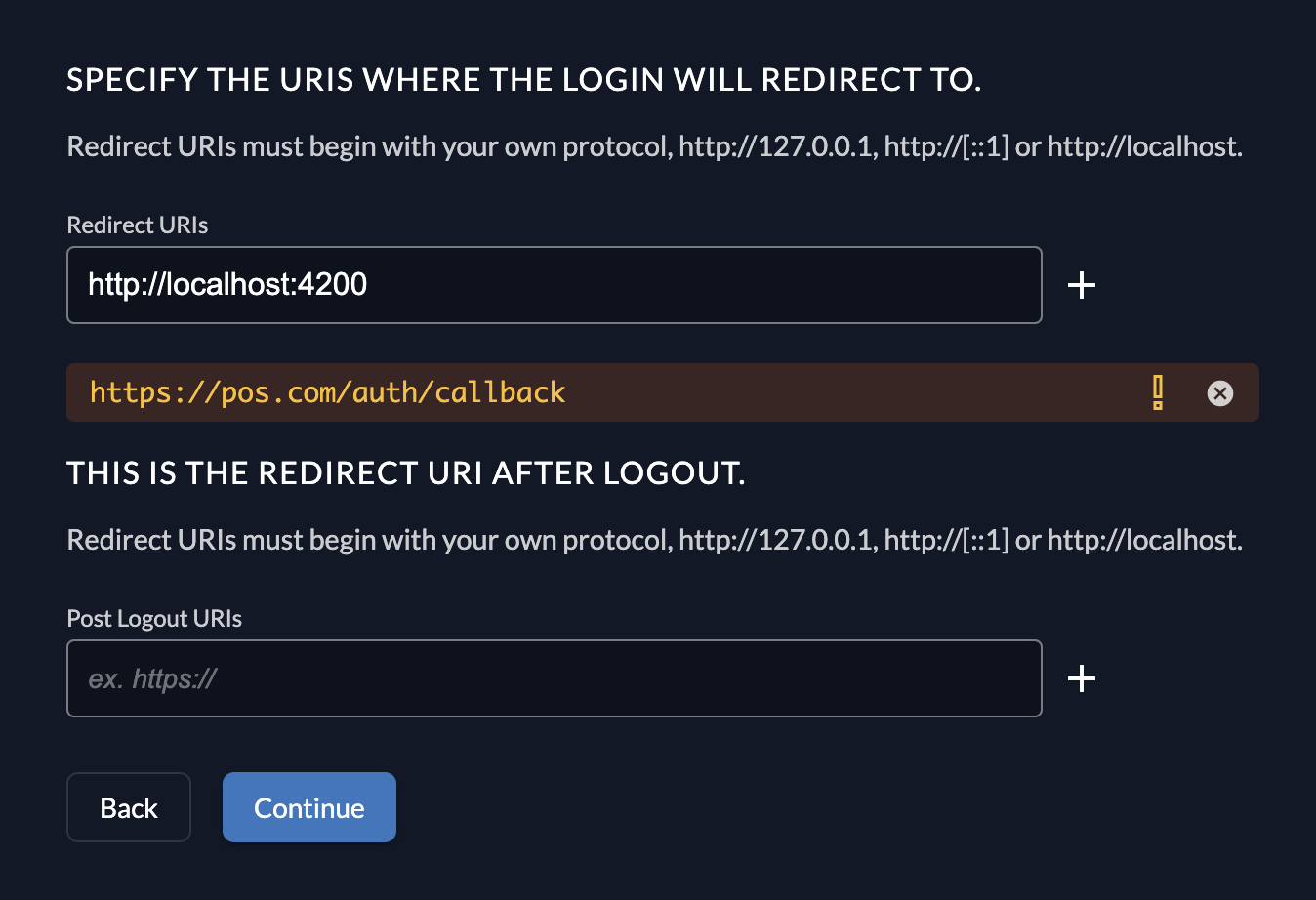
App Types with user interaction (Web, Native, and User Agent) require Redirect URIs. These are the allowed URLs where ZITADEL sends the user after a successful login.
- Security: ZITADEL strictly checks these URIs during the login process. They must match exactly what is defined in your application code.
- Protocols: Native applications can use custom protocols (e.g.,
myapp://) instead ofhttp/https.
Development Mode
If you are developing locally or need to redirect users to a non-secure protocol (other than https://), you must enable Development mode.
When disabled, ZITADEL enforces strict security and only allows https.
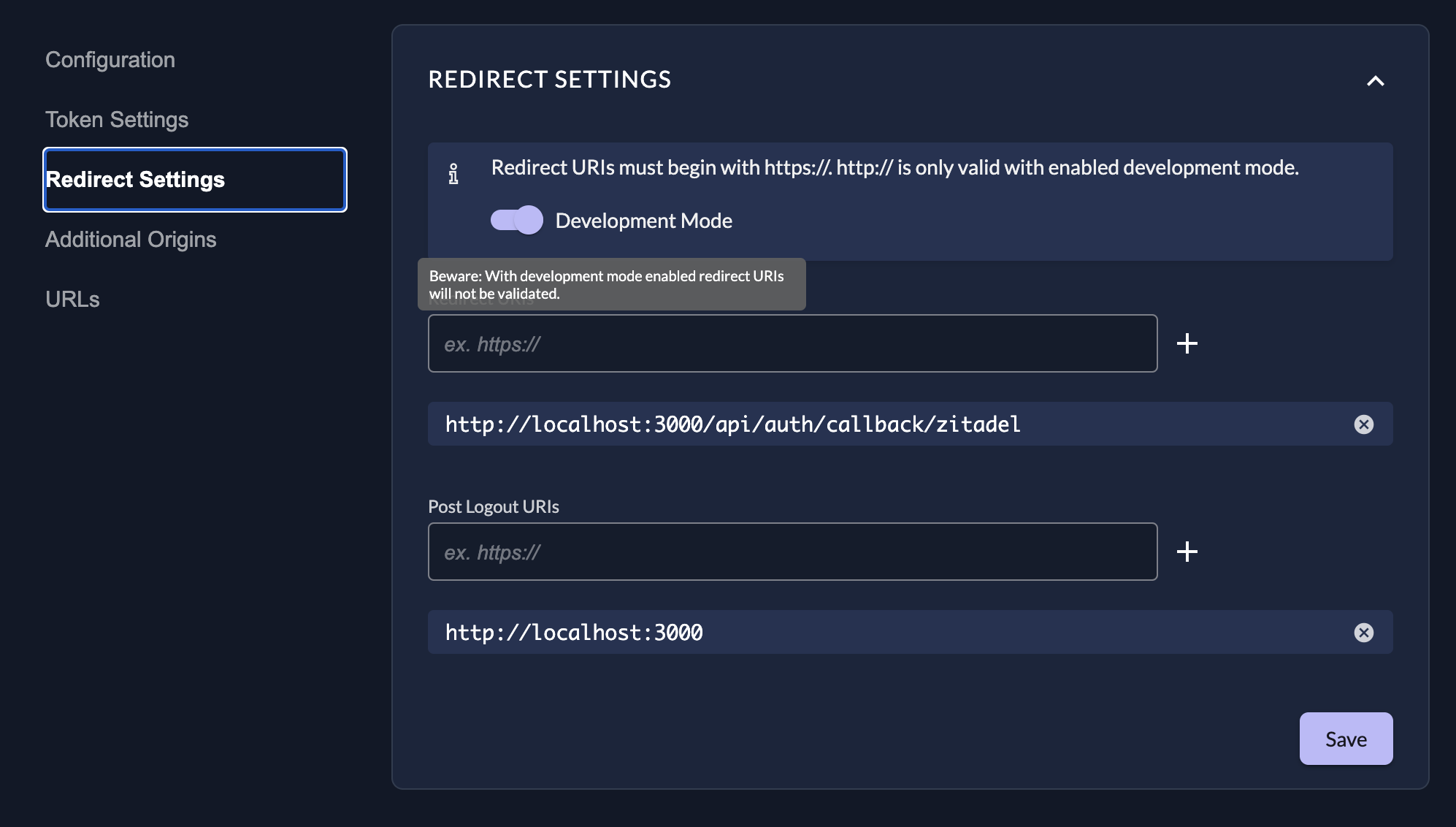
Glob Patterns: Development mode allows the use of glob patterns in Redirect URIs for flexibility:
| Special Terms | Meaning |
|---|---|
* | Matches any sequence of non-path-separators. |
/**/ | Matches zero or more directories. |
? | Matches any single non-path-separator character. |
[class] | Matches any single character against a class of characters (e.g., [a-z]). |
{alt1,...} | Matches a sequence if one of the comma-separated alternatives matches. |
Double stars (**) should appear surrounded by path separators (e.g., /**/). A pattern like path/to/**.txt is invalid; use path/to/**/*.txt.
IPv6
When IPv6 URIs are used as redirects in development mode, square brackets must be escaped as they are special terms for globs. Example: http://\[::1\]:80
Review Settings
The last page of the stepper shows a summary of what will be created. After you have reviewed the settings you can create the application.
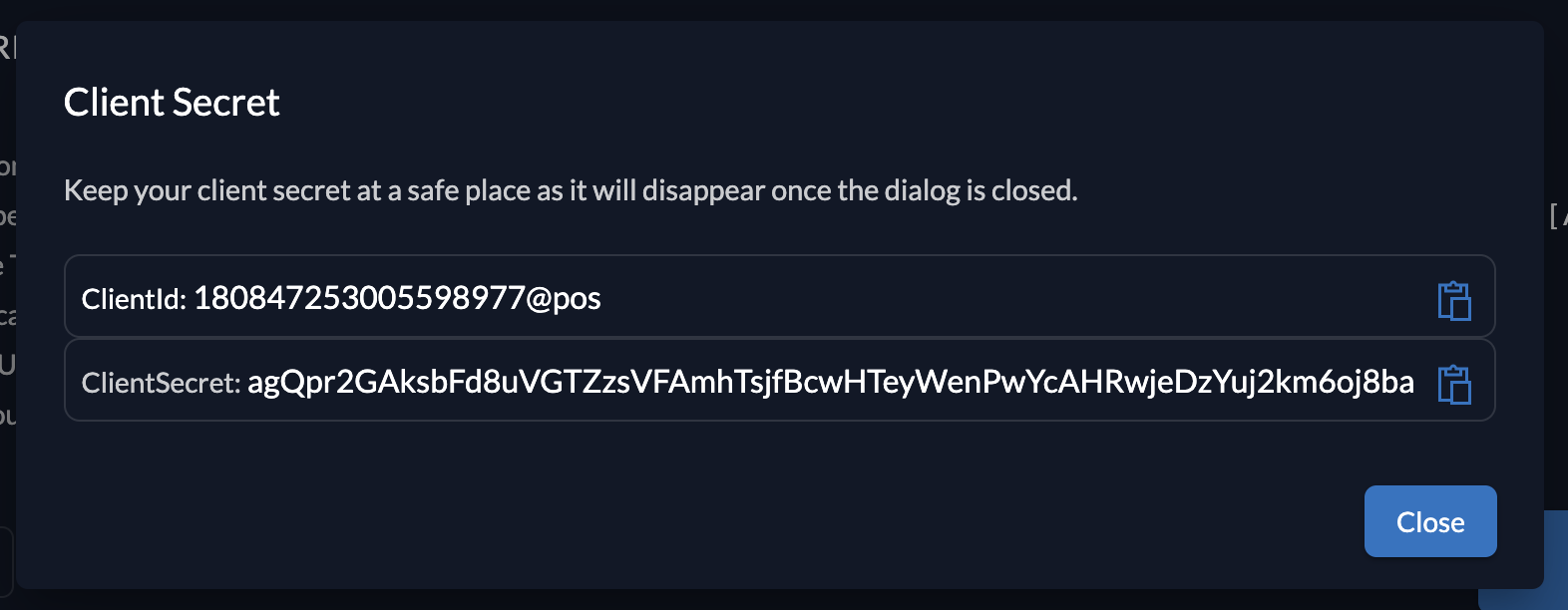
Client information
Please make sure to safe the client id and secret for later use in the application.
Application Settings
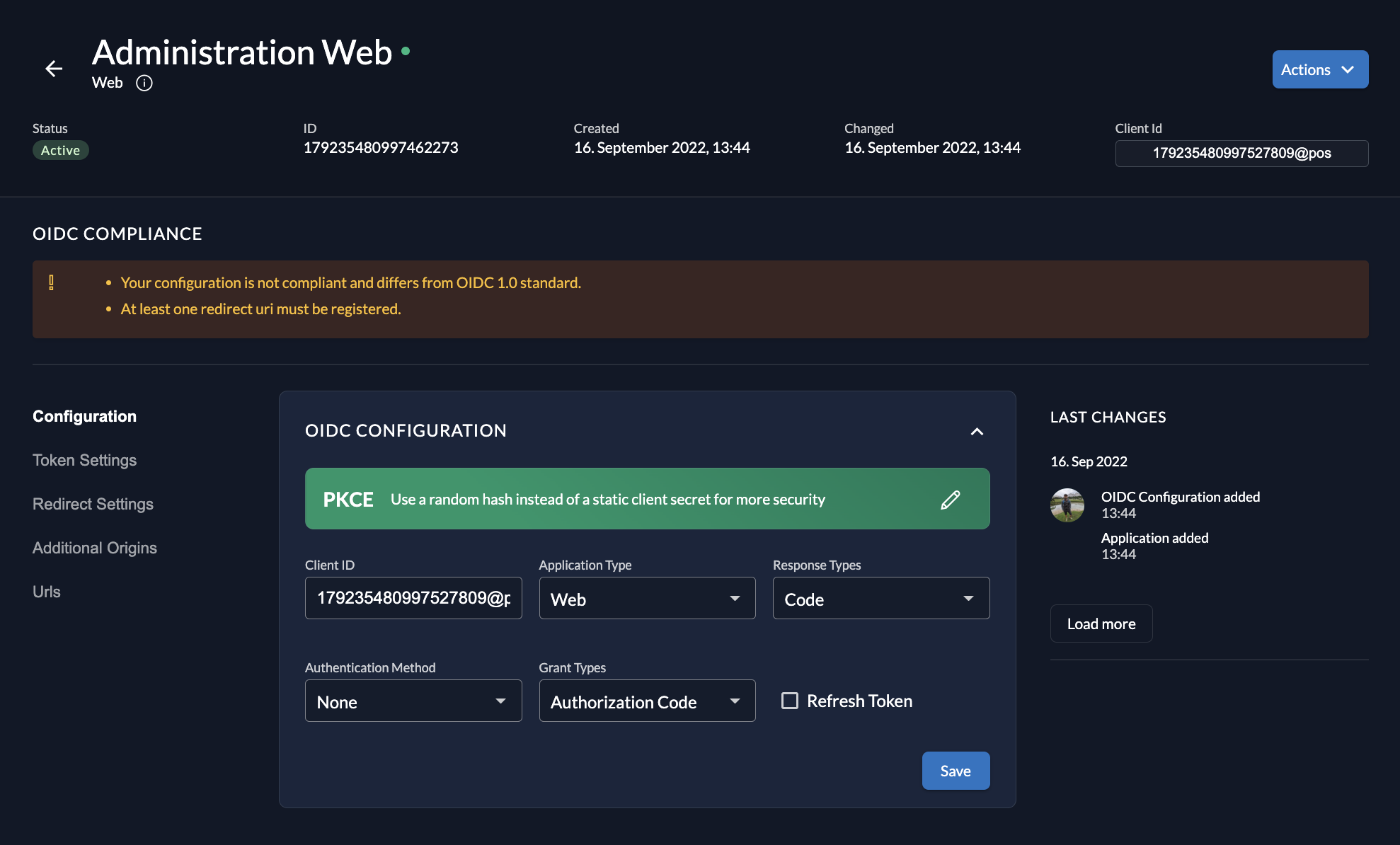
After creating an application, you can modify its settings.
- Auth Method: You can switch authentication methods (e.g., from Basic to Private Key JWT) via the toggle or dropdowns.
- OIDC Compliance: The Management Console checks if your settings are OIDC compliant and shows tasks for completion if anything is missing.
You cannot change the Application Type (e.g., from Web to Native) after creation. You must delete and recreate the application.
Use New Login UI
The Use new login UI checkbox and Custom base URL for the new Login UI field control which login interface your application uses:
-
Checkbox Behavior: This checkbox only has an effect when the instance-level Login V2 feature flag is disabled. When the instance-wide feature is off, checking this box enables Login V2 specifically for this application while other applications continue using Login V1.
-
Custom Base URL: This field is used when you're running a self-hosted Login UI at a different domain (e.g.,
https://login.acme.com). If you leave this field empty, ZITADEL redirects to its built-in/ui/v2/loginendpoint.
If the instance-level Login V2 feature flag is already enabled, all applications use Login V2 by default, and the checkbox has no effect. The feature flag takes precedence over per-application settings.
Configuration Steps:
-
Per-Application Login V2 (when instance flag is off):
- Check the Use new login UI checkbox in your application settings
- Optionally enter a custom base URL if using a self-hosted Login UI
- This enables Login V2 only for this specific application
-
Self-Hosted Login UI:
- Deploy your Login UI to a custom domain
- Enter the full base URL (e.g.,
https://login.acme.com) in the Custom base URL field - Ensure your Login UI is properly configured with the required environment variables and service account permissions
-
Instance-Wide Login V2:
- Enable the Login V2 feature flag at the instance level (in Default Settings → Features)
- When enabled, all applications use Login V2 regardless of individual application settings
- The custom base URL field still applies if you want to use a self-hosted Login UI
For detailed setup instructions for self-hosted Login UI, see Connect your Self-Hosted Login UI to ZITADEL and Hosted Login UI: Authenticate Your Users.
Token Settings
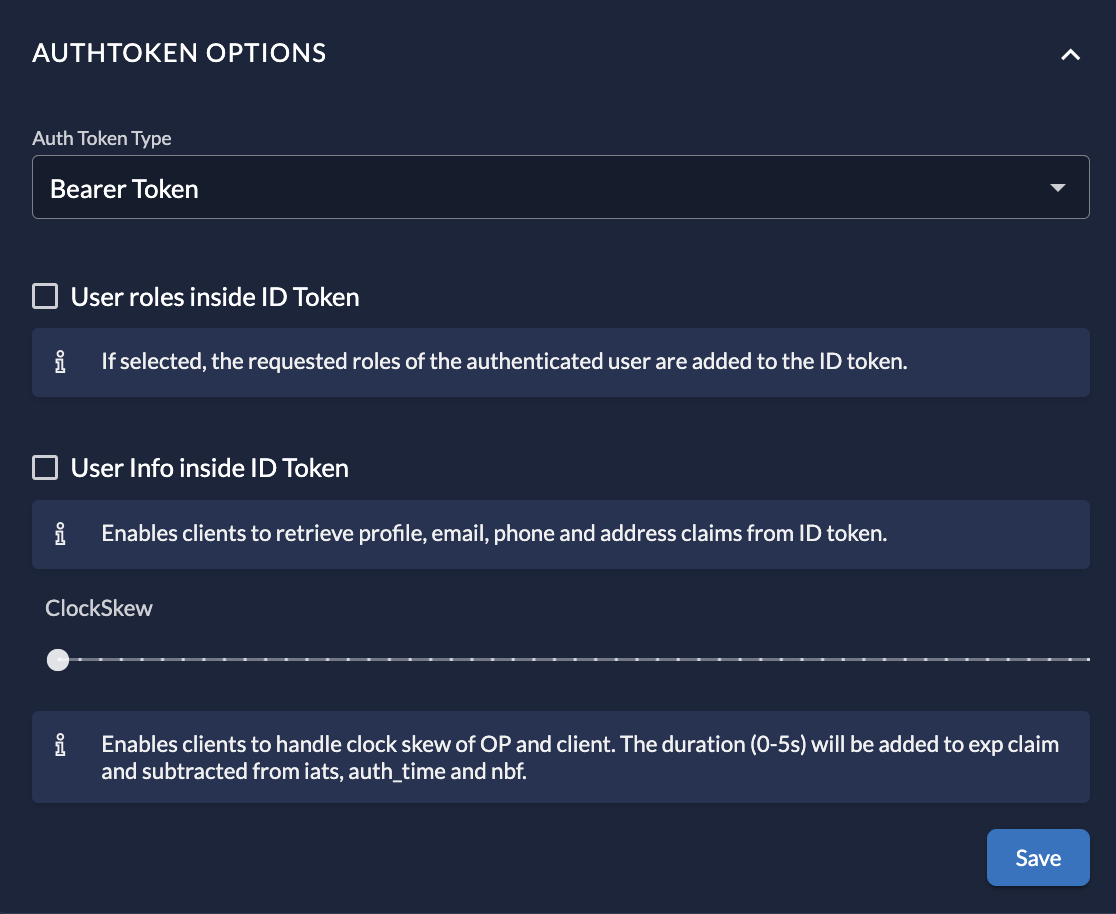
In the Token Settings section, you can customize the tokens issued for this application:
- Token Type: Switch between Bearer Token (Opaque) and JWT.
- Content: Check options to include User Roles and User Information inside the ID Token.
- ClockSkew: Optionally set a time buffer added to the expiration time of the issued token to handle server time differences.
Additional Origins
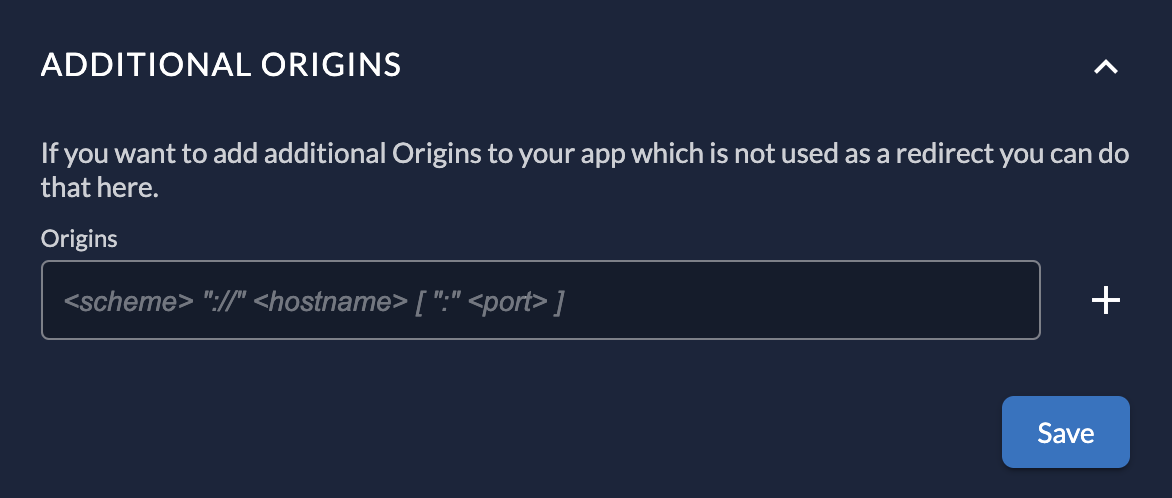
If your application makes requests from domains other than the Redirect URI (e.g., a Javascript app fetching data from an API on a different domain), you can specify them here to configure CORS (Cross-Origin Resource Sharing).
Security Considerations
Ensure the management of application settings is limited to authorized users only.
- Use Administrator roles to limit permissions for your users to make changes to your applications.
- When granting projects to other organizations, the receiving organization cannot see or change the application settings. They can only assign roles.
References
Was this page helpful?
