ZITADEL Support
We describe our support services and information required in more detail in our legal section. Please note that not all features may be supported by your subscription, and consult the support states.
General
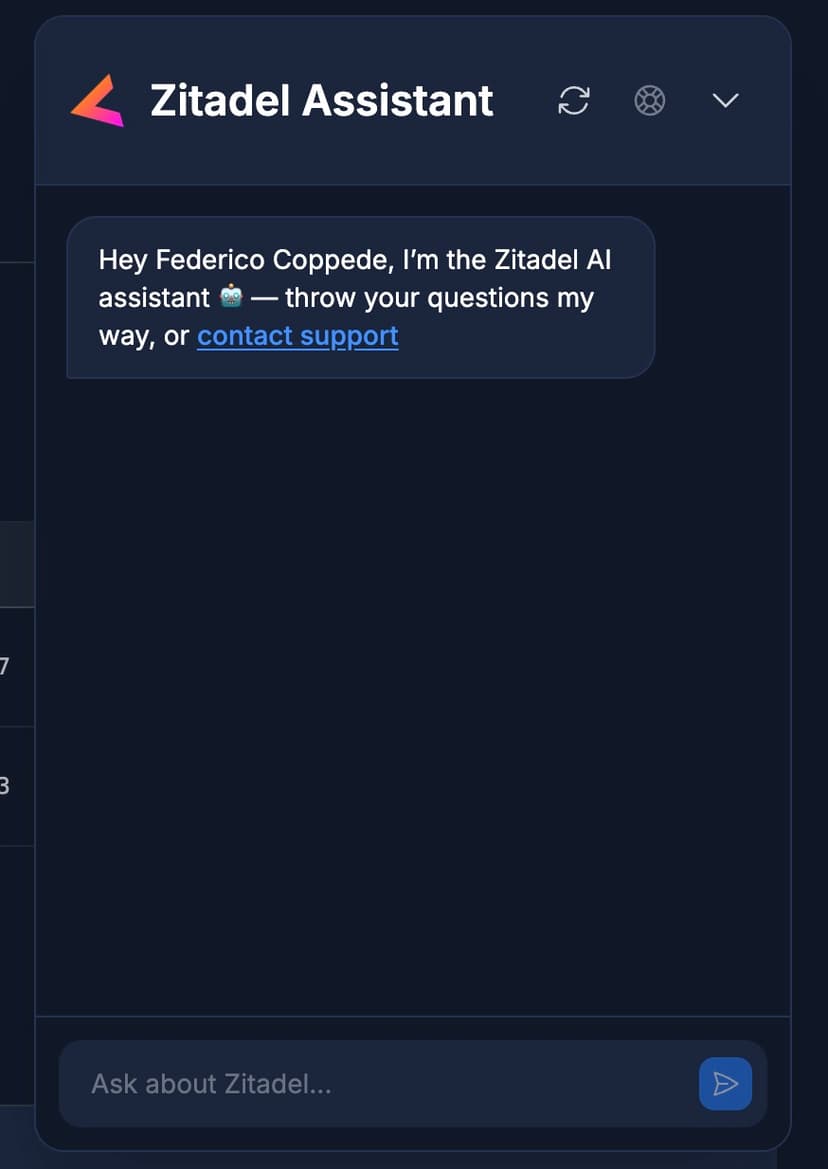
We always recommend first having a look at our documentation, Discord chat and GitHub repository. You can also ask our AI assistant for help before contacting Support.
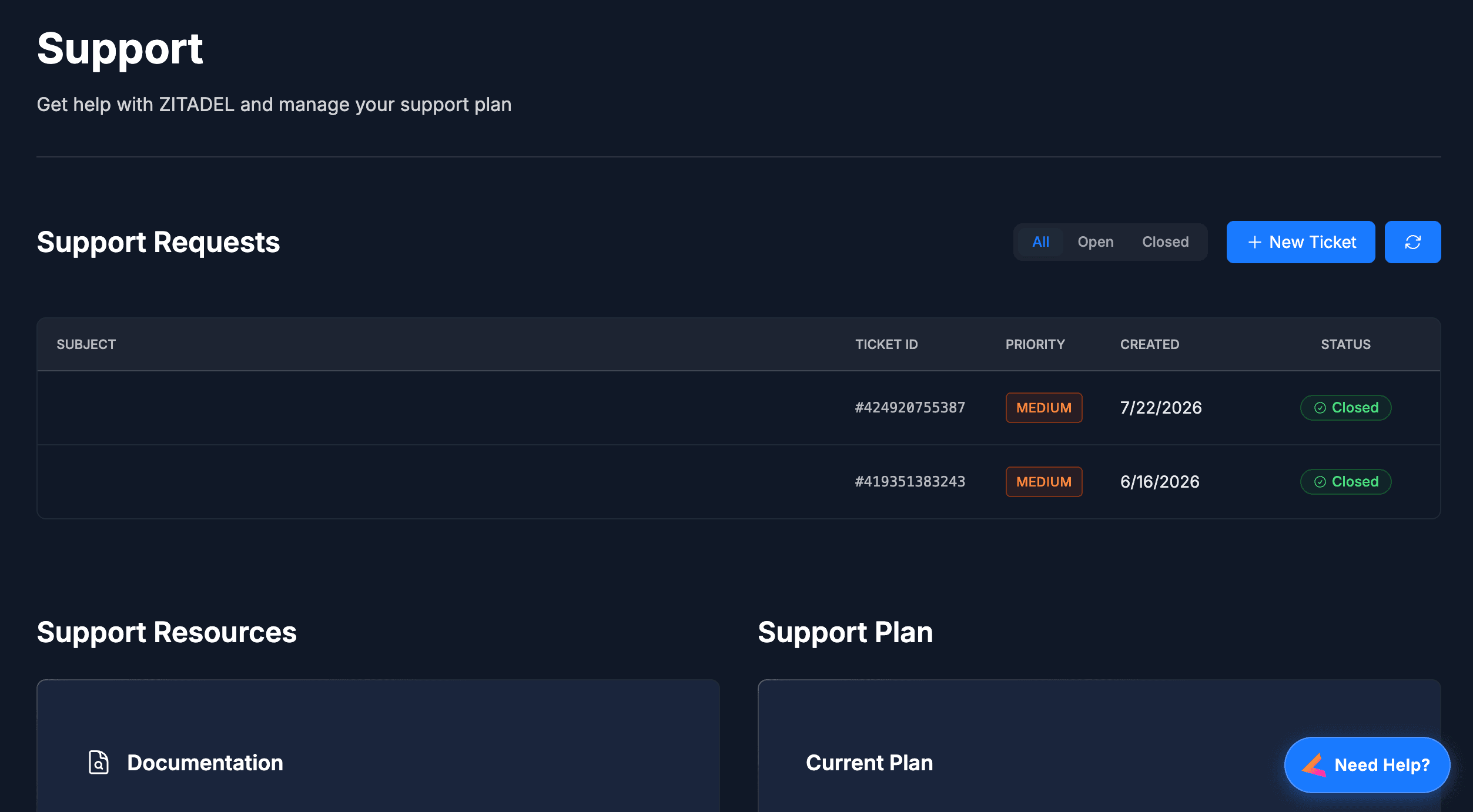
Meet the ZITADEL AI Support Assistant
Our stateful AI Support Assistant is designed to provide you with ultra-fast, accurate answers right inside the Customer Portal. It intelligently categorizes your request on the fly to instantly answer technical questions using our latest documentation, GitHub issues, and community threads, or to provide up-to-date details on pricing and compliance. If your inquiry requires a human touch—such as sensitive account and billing issues, reporting bugs, or discussing enterprise sales—the bot will seamlessly guide you to the correct support ticket, email, or booking link to ensure you get the right help as quickly as possible.
Support Request
When creating a new support request, you will be asked to provide the following information:
- Subject
- Detailed description
- Attachments (Optional)
- Ticket Priority
- Ticket Category
- Hosting
- Affected Instance (Only for cloud instances)
- Database Version (Only for self-hosted instances)
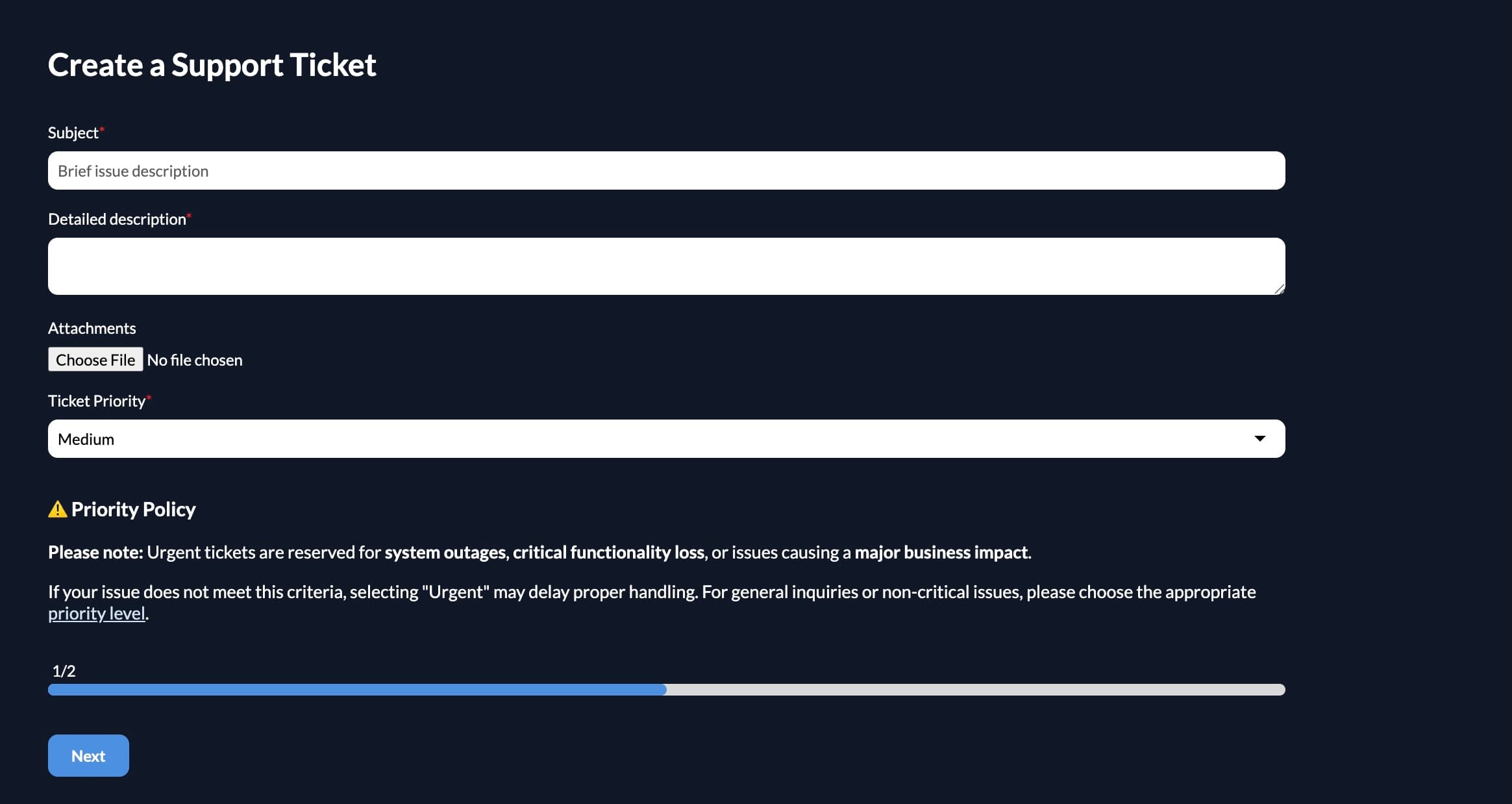
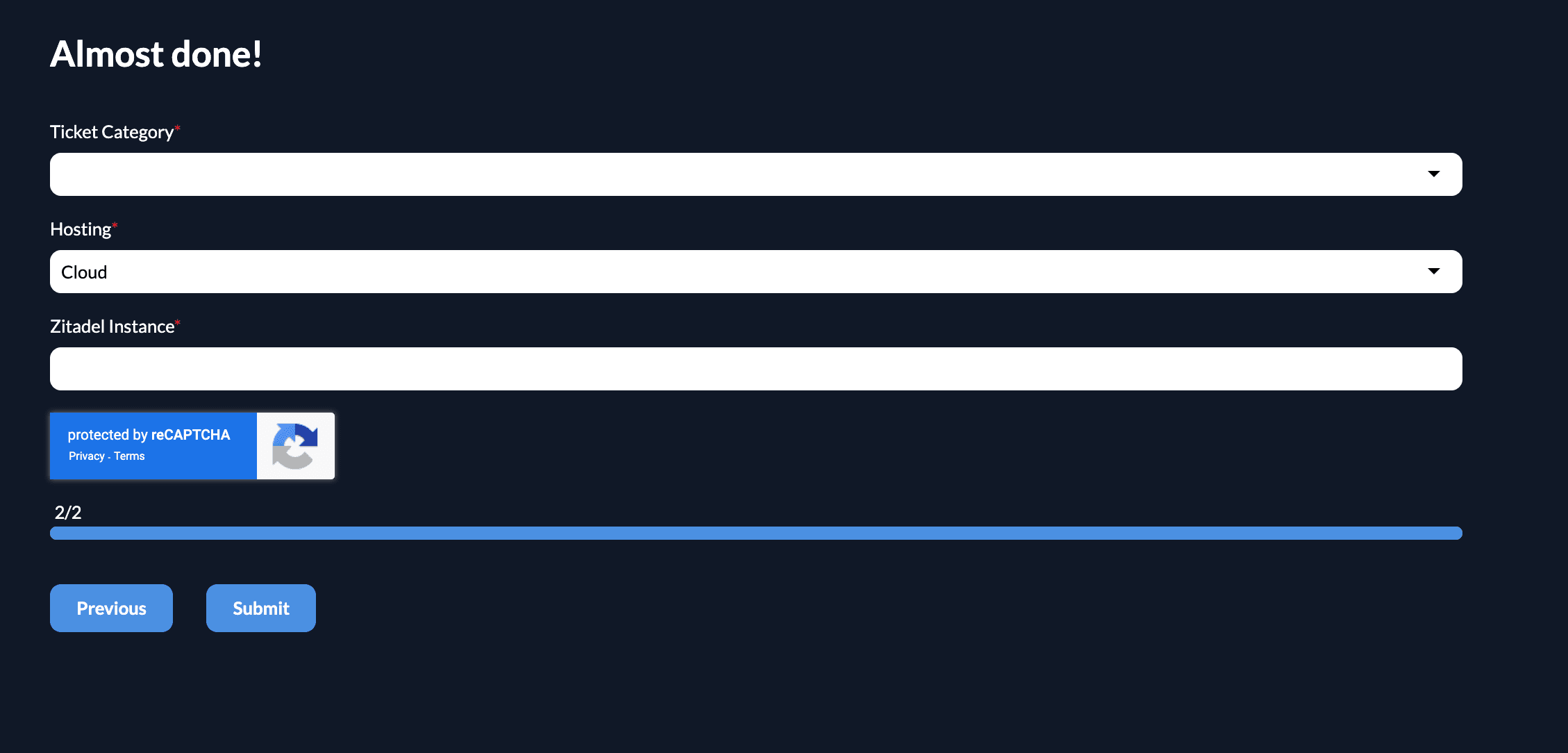
After submitting the form, you will receive a confirmation email, and our team will be in touch with you shortly.
Instance Access for Troubleshooting
To help troubleshoot issues, you can grant our support staff direct access to your instance to review logs, check settings, and provide configuration fixes. This feature is available exclusively to Cloud customers on a Pro or Enterprise plan.
Support access is disabled by default. When enabled, it creates a dedicated Identity Provider (IdP) that strictly limits access to ZITADEL support staff.
How to enable support access:
- Navigate to the Customer Portal and go to Instances.
- Select the instance that requires support.
- Turn on the Support access toggle.

Important: You must manually disable the Support access toggle once the troubleshooting activity is complete to revoke staff access.
If you have an active subscription, we recommend linking your GitHub and Discord accounts in the customer portal support section. This helps us prioritize your GitHub issues and Discord threads more effectively.
Was this page helpful?
Technical Advisories
ZITADEL security and technical advisories, including important updates, vulnerability disclosures, and required configuration changes.
Overview
Explore ZITADEL's APIs for authentication and authorization. Integrate identity management using OpenID Connect, OAuth 2.0, and SAML standards.